Work in a small window, not the whole library
Choose one month, one trip, or one event. Working in narrow windows is the only way this stays kind to your attention.
Mark the keepers first
Move through the window and tap the heart on anything worth seeing again. Ignore the rest for now. Nothing is deleted in this pass.
Most people keep ten to fifteen percent of what they photograph. That is not a failure of memory. It is how cameras work.
Clear duplicates and screenshots in one pass
Filter to Screenshots and remove the ones you no longer need. Then run the built-in duplicates tool on your phone. Two short passes, no thinking required.
One album per season, not per topic
Albums named Summer 2026 or Fall Weekends age well because seasons close on their own. Albums named Best Photos or To Edit stay open forever and quietly grow heavier.
Back up somewhere ordinary
iCloud, Google Photos, or an external drive you plug in once a month. Choose one and stop researching. Ordinary is what makes a backup last.
Print a short list of what you actually own
Photos live inside a larger picture — the phones, laptops, drives, and prints they pass through. A one-page home inventory keeps track of the hardware itself, so a lost device is a replaceable object, not a disappeared archive.
What to do next
Print five favorites from the last year and put them somewhere visible. Photos you love matter more once they leave the phone.
Continue with
More resources for this
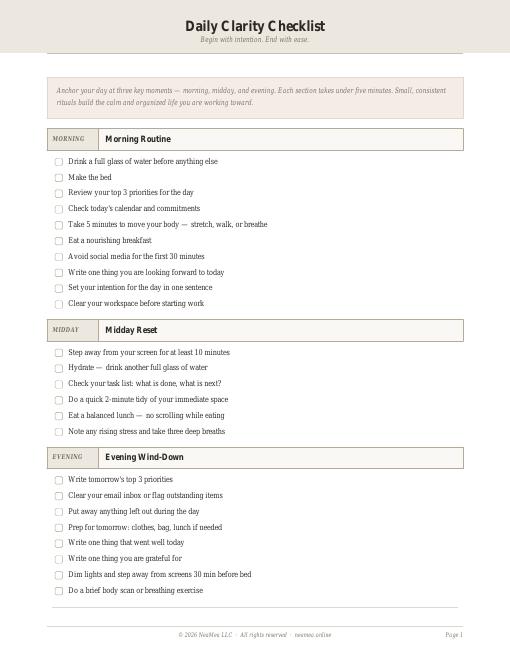
Daily Clarity Checklist
Morning, midday, and evening anchors — each under five minutes.
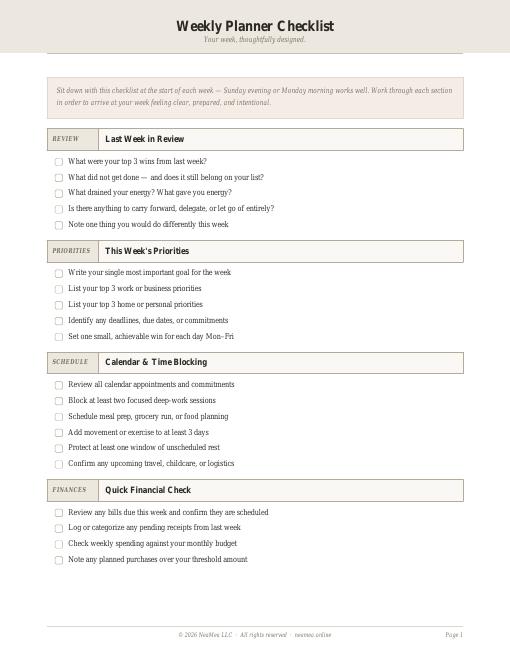
Weekly Planner Checklist
A weekly rhythm of intentions, priorities, and small reviews.
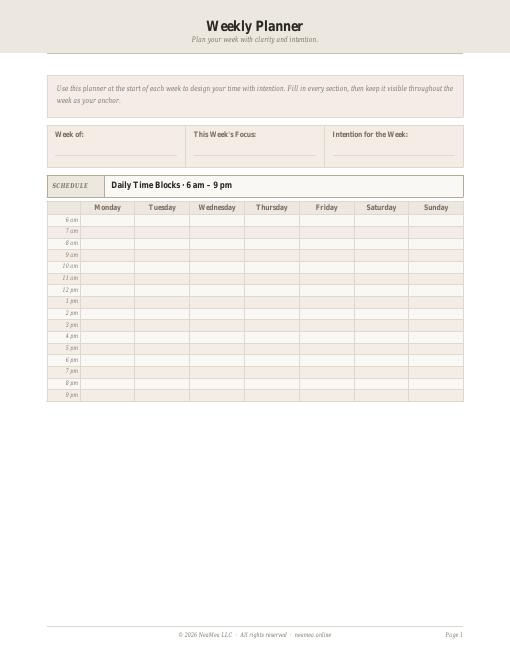
Weekly Planner Template
A printable weekly page you can fill in by hand.
© 2026 NEAMEA LLC. All rights reserved. Free NeaMea templates are for personal household use; please do not resell or redistribute them.