Start with one folder, not the whole computer
Downloads is usually the loudest folder in the house. Open it, and don't look anywhere else. If Downloads feels too big, pick Desktop instead.
The goal is not a spotless drive today. The goal is one calmer folder tonight.
Sort into three piles: Keep, Toss, Later
Move files into three folders: Keep, Toss, and Later. That is the whole system. No naming rules yet, no tags, no ideal structure.
Toss is anything you would not miss — installers, screenshots from six months ago, receipts already in your email. Later is anything you would need to open to decide. Everything else is Keep.
Empty Toss when you are done. Watching the pile shrink is the point.
Name Keep files like you would describe them to a friend
Rename in plain language: apartment-lease-2026.pdf, dad-birthday-photos.zip, taxes-2025-final.pdf. Add the year whenever another version will exist someday.
Skip capitals, skip spaces, use hyphens. Your future self, searching at ten at night, will thank you.
Give Later a real date
Later is not a graveyard. Put a note on your calendar — twenty minutes, next Sunday — to open Later and decide. If it is still unopened when the date arrives, everything inside becomes Toss.
Decisions do not get easier over time, but they do get smaller.
Stop when it feels lighter, not when it looks perfect
One tidy folder is enough for today. A half-finished reorganization will feel worse than the original mess. Close the laptop when the room feels a little quieter, and come back another day for the next folder.
Pair the drive with a paper anchor
Digital order is fragile — one failed drive, one lost login, and years of care can vanish. A single paper page listing what you own, where the important documents live, and who to call if something breaks makes the whole system less brittle.
This is what a moving and home inventory sheet is for, even if you are not moving. It is the one page you would want in hand if your laptop stopped opening tomorrow.
What to do next
Put a twenty-minute reminder on your calendar for one week from today. When it arrives, open the next folder on your list — nothing more. Progress here is measured in weeks, not evenings.
Keep a paper backup of what actually matters
A printed one-page inventory of important documents, accounts, and belongings keeps the whole digital system less fragile. If a drive fails, you still know where things live.
Continue with
More resources for this
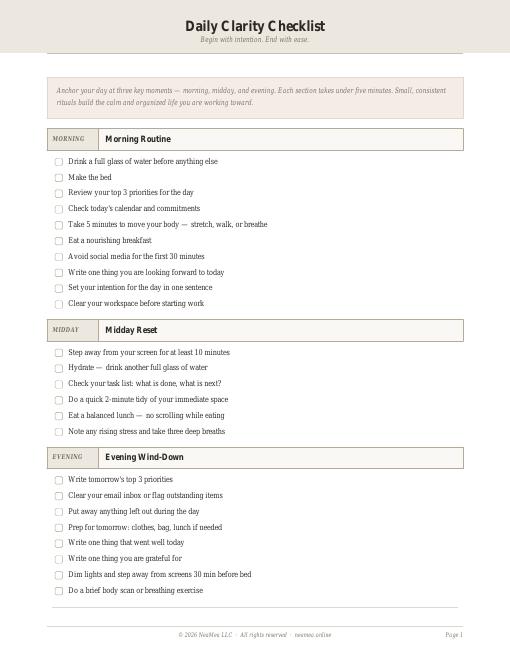
Daily Clarity Checklist
Morning, midday, and evening anchors — each under five minutes.
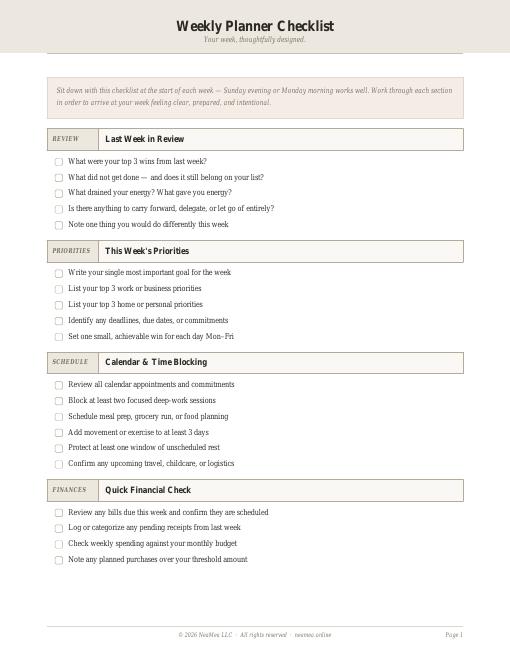
Weekly Planner Checklist
A weekly rhythm of intentions, priorities, and small reviews.
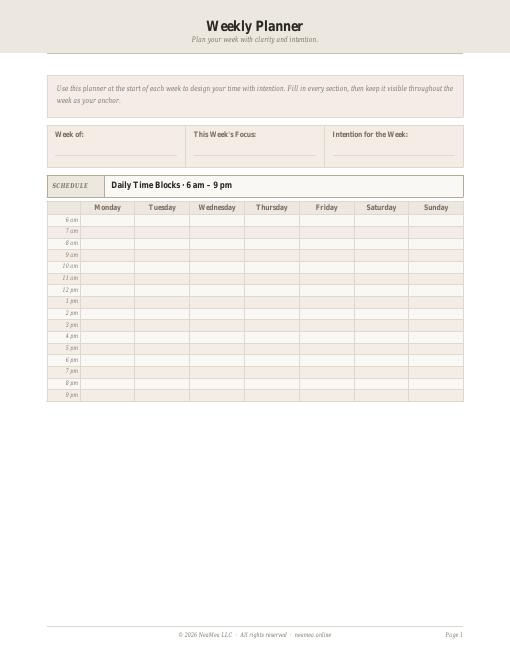
Weekly Planner Template
A printable weekly page you can fill in by hand.
© 2026 NEAMEA LLC. All rights reserved. Free NeaMea templates are for personal household use; please do not resell or redistribute them.